
Your food photo diary
Remember what hit.
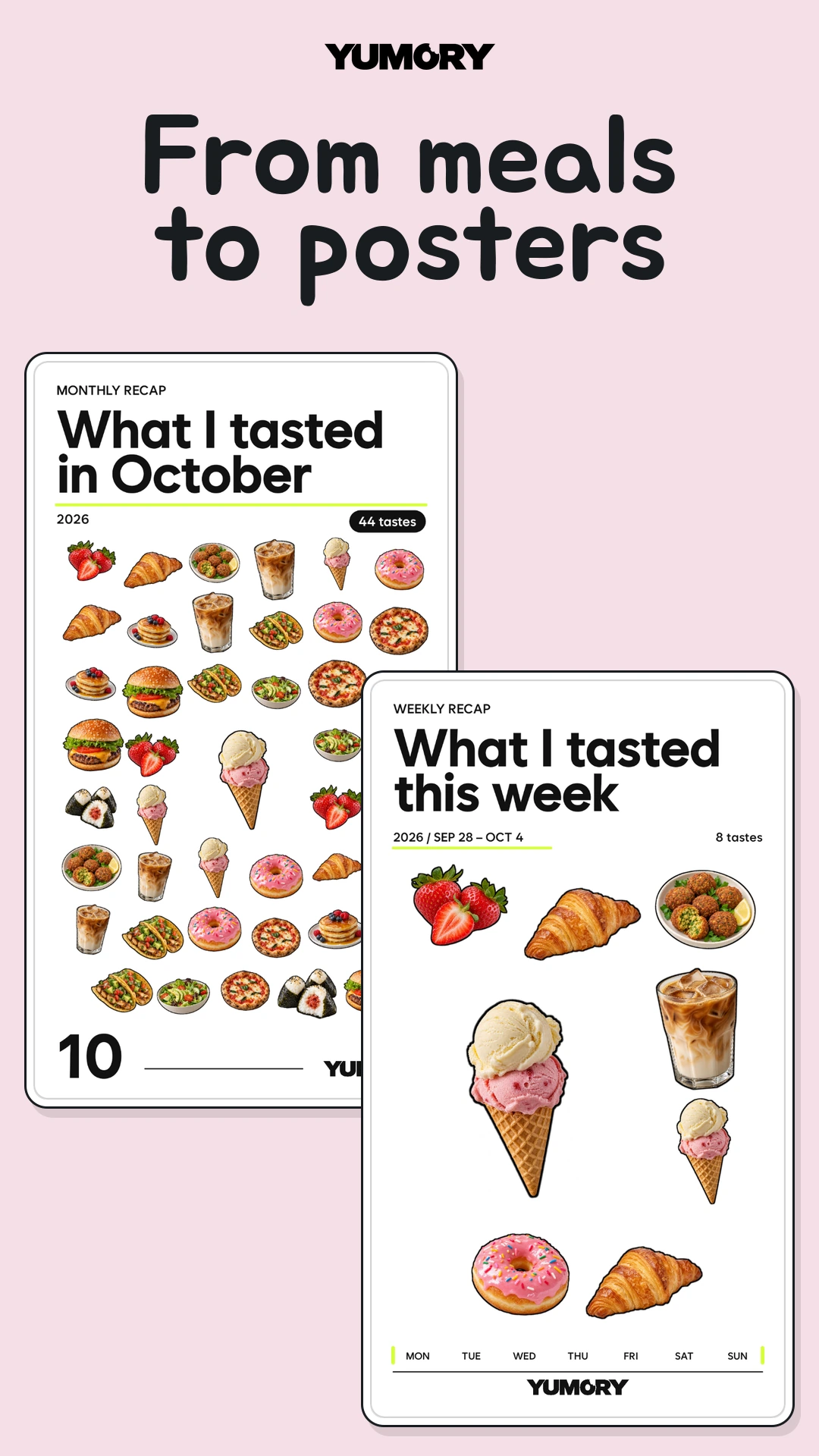
Keep a food photo diary, leave your reaction, and look back with your calendar and collage Recaps.

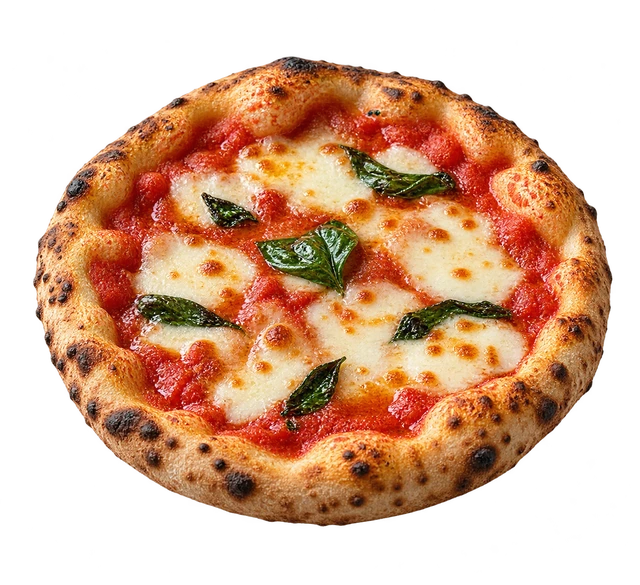
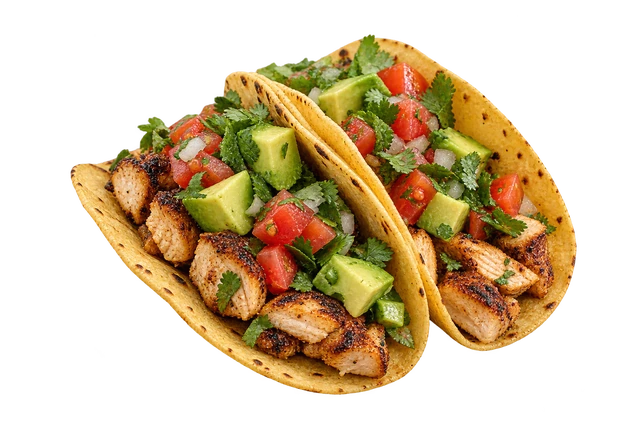
Here’s how it works.
From one photo to your own Recap.
App previews · Sample entries
Take a photo
Tap the camera to take a food photo or choose one from your phone.
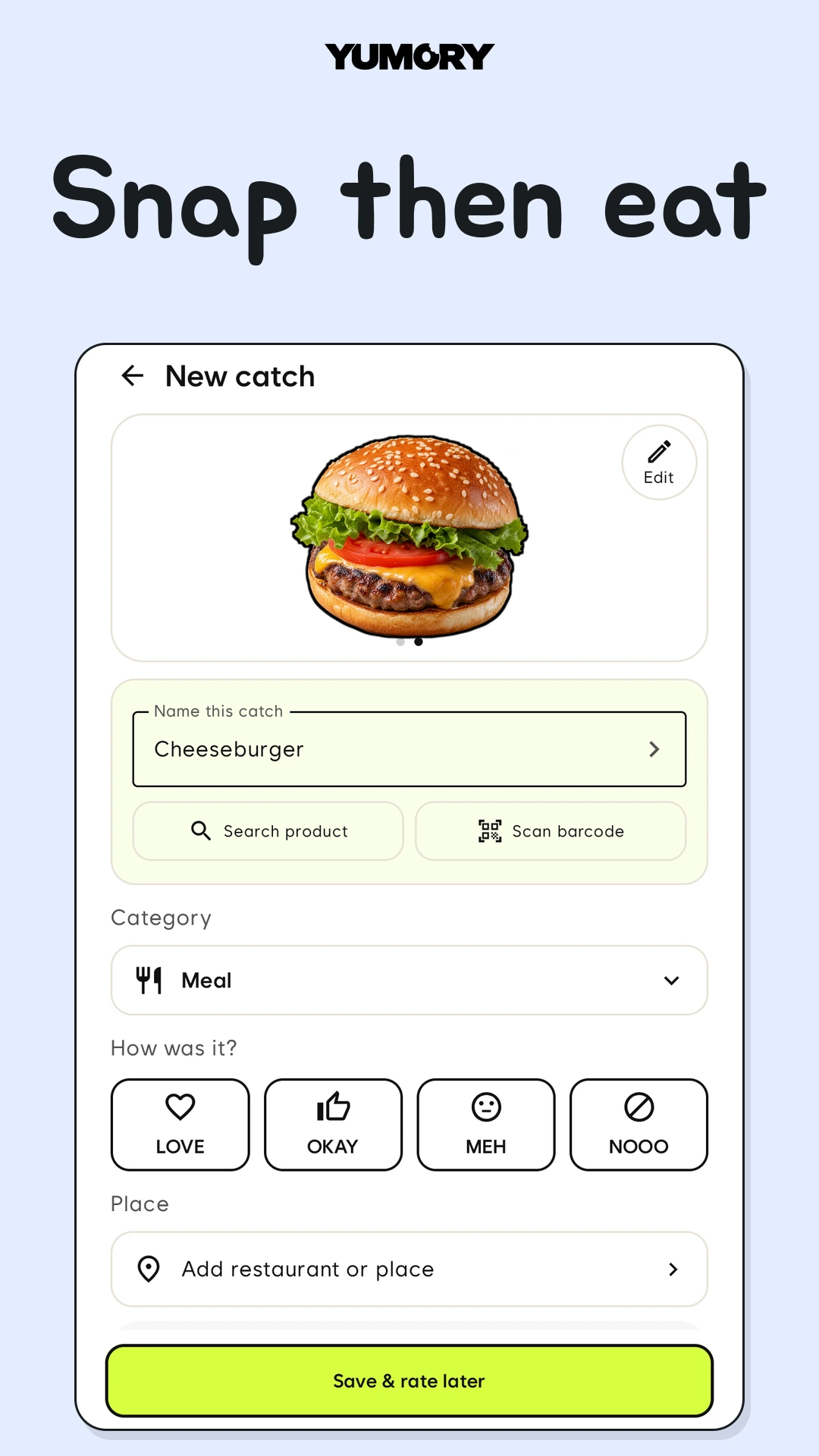
Leave a reaction
Choose one of four reactions, add a name or note, and save your catch.
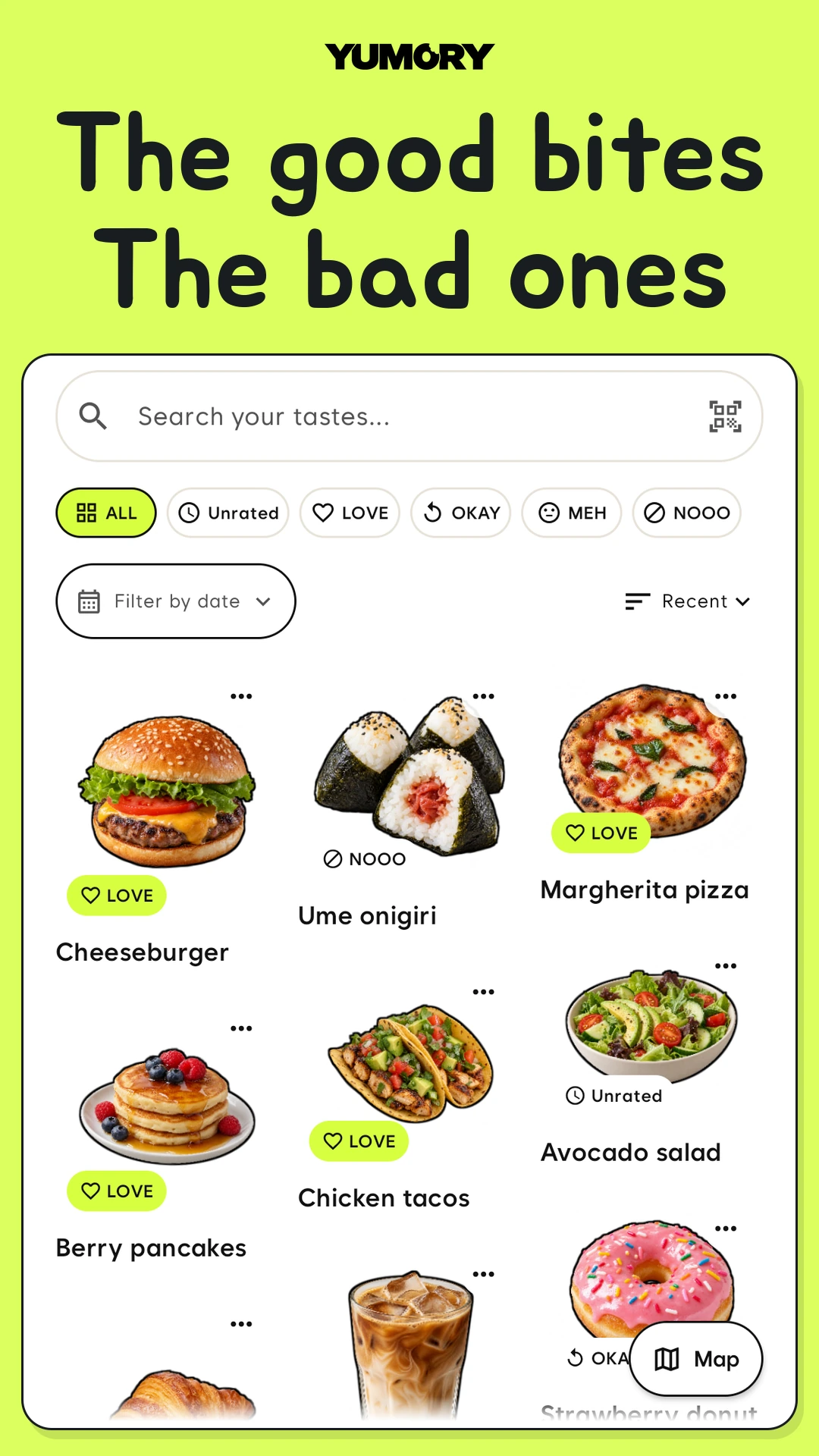
Make a Recap
Turn your catches into a Recap. Save the image or share it.
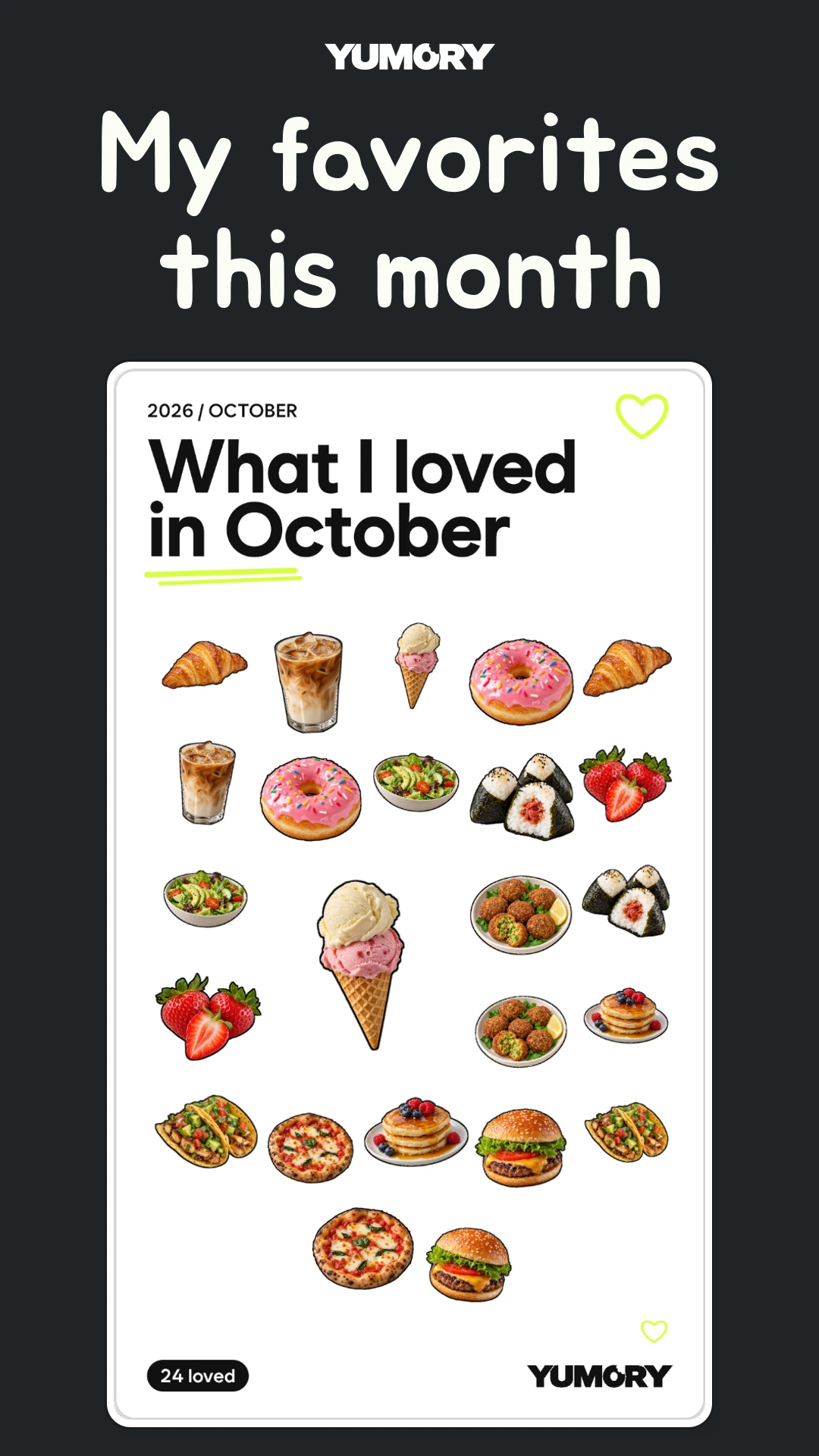
Look back with daily, weekly and monthly recaps. Or collect the month’s favourites and least favourites in Love and NOOO collages. Save or share what you make.
More from your food diary
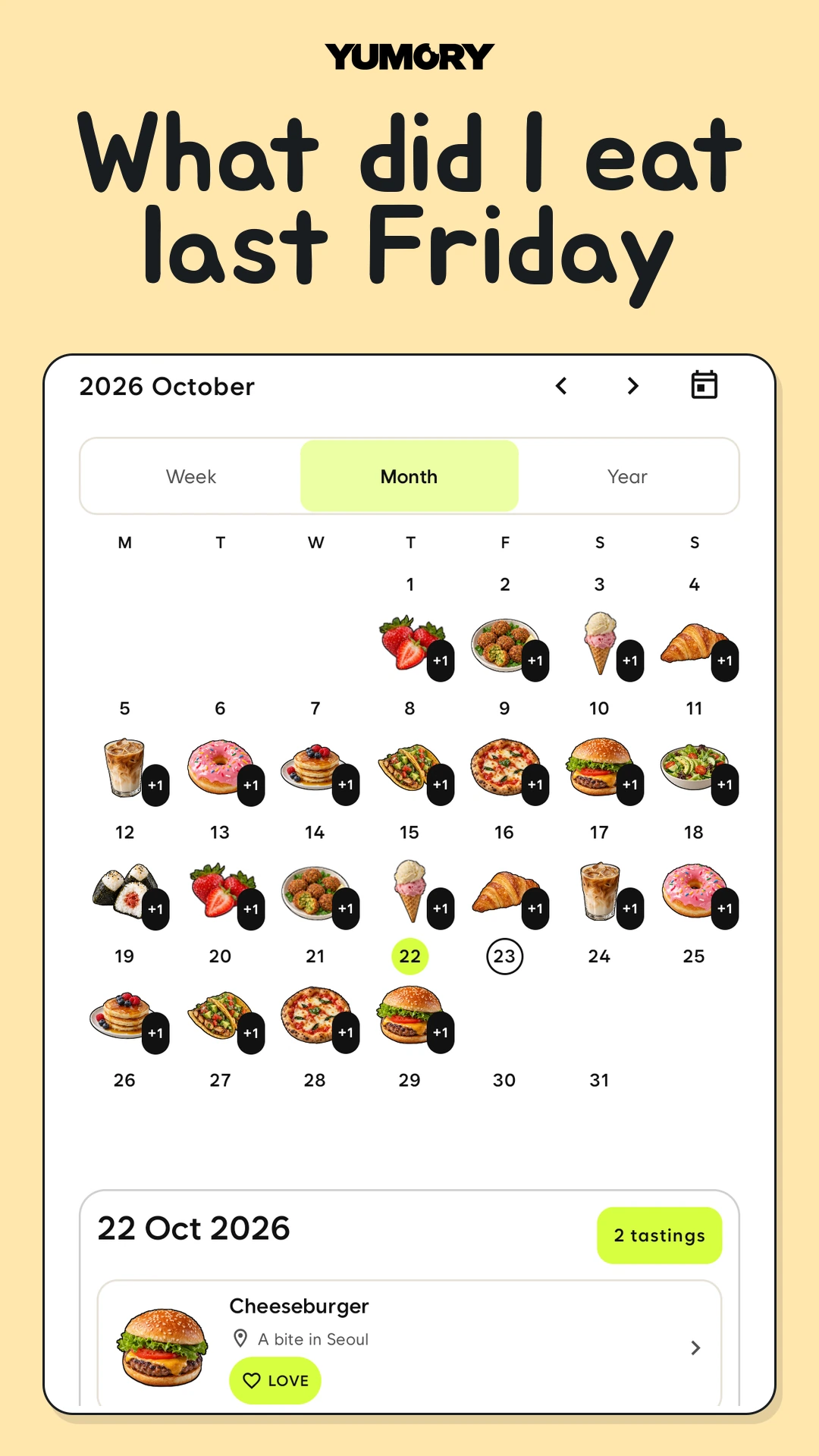
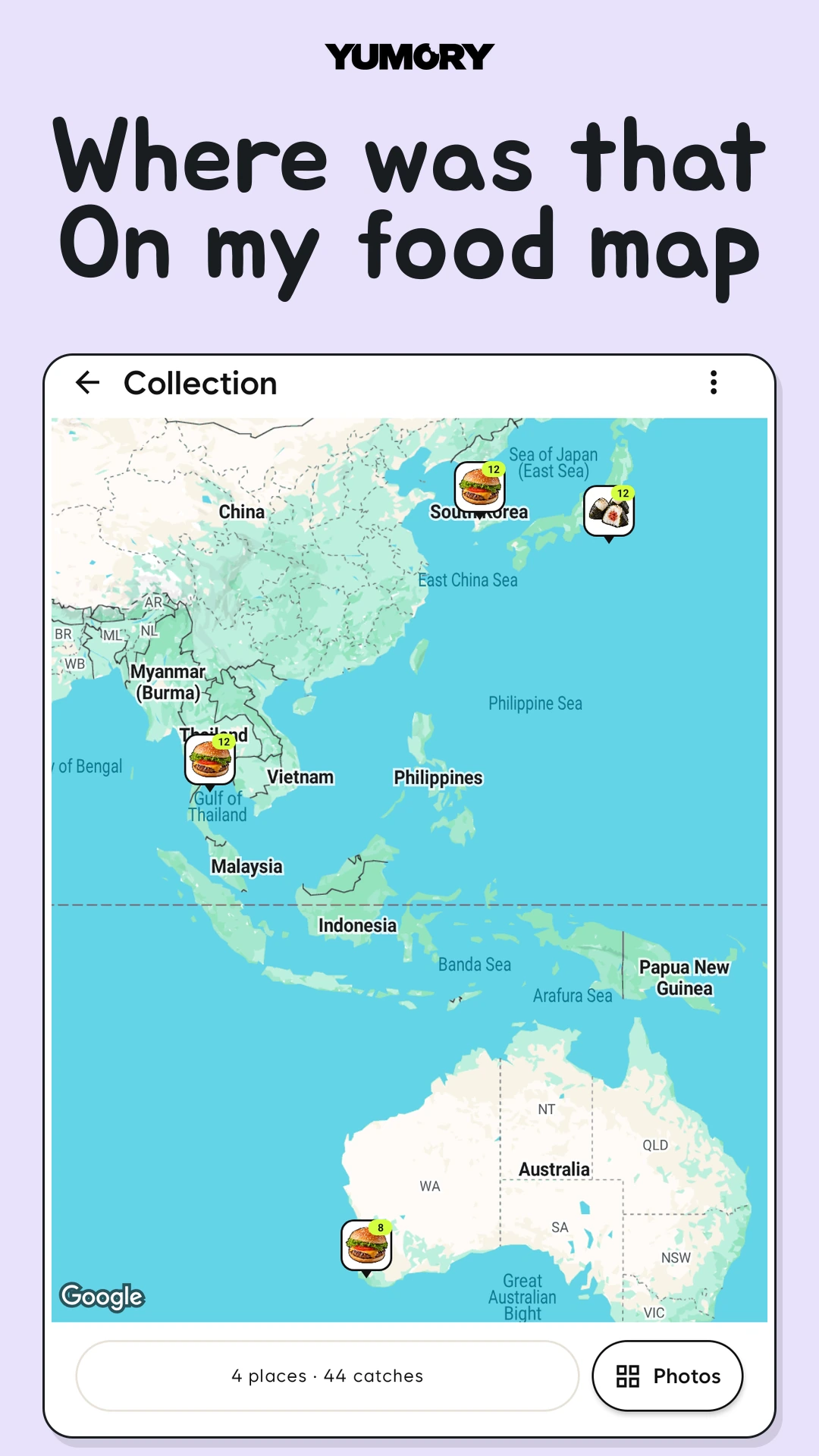
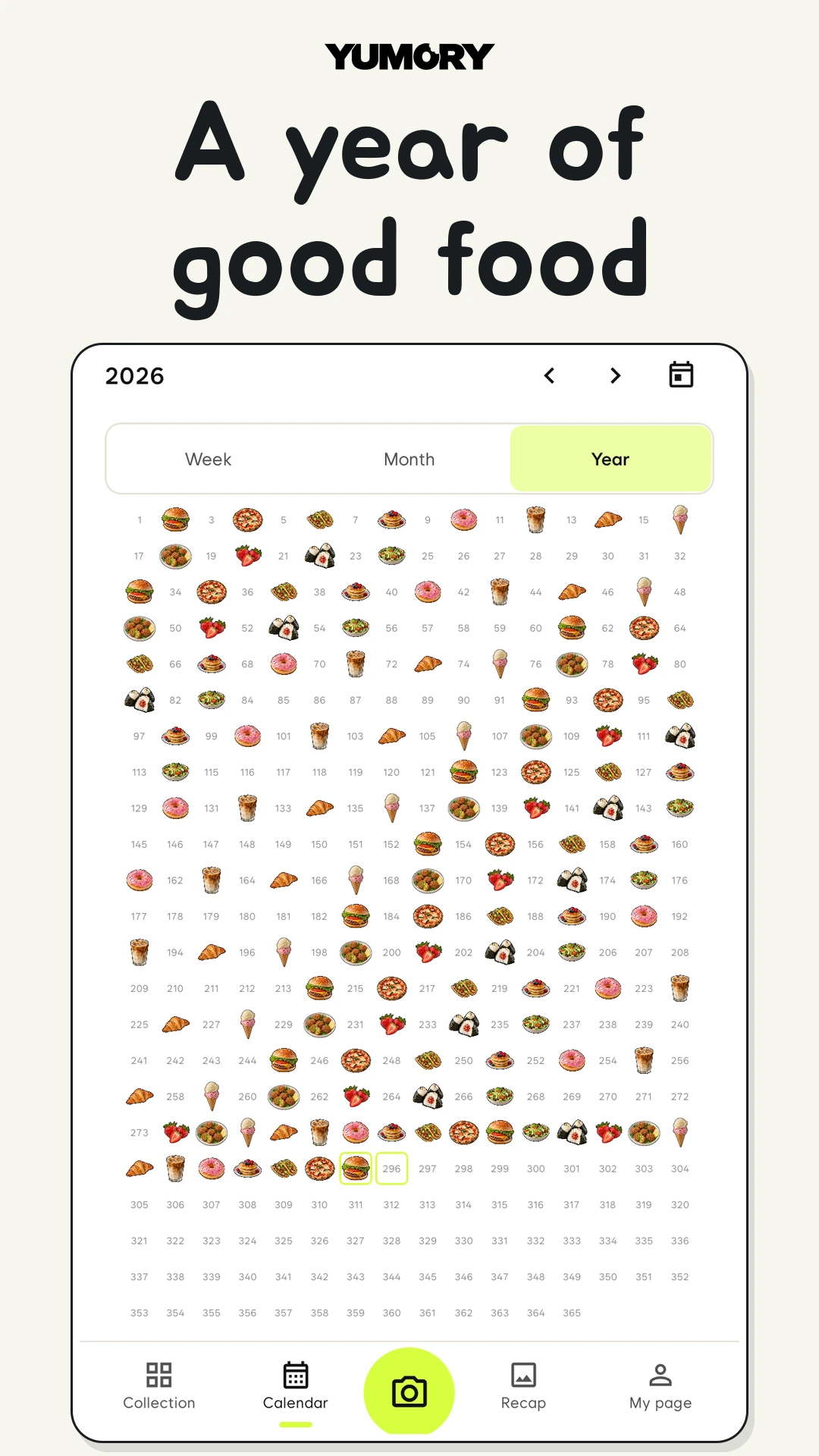
Snap a meal. Give it a feeling. Make it yours.
- LOVEWould eat again
- OKAYPretty good
- MEHNot for me
- NOOONot for me
YUMORY is available on Google Play. Use the link above to download it.
Frequently asked questions
Using YUMORY
Can I use YUMORY without an account?
Yes. You can save food photos and reactions, browse your journal and make basic Recaps without an account. A YUMORY account is needed for subscription purchases and restoration.
How do I add a food entry?
Tap the camera button in Collection, then take a photo or choose one from your gallery. Pick a reaction, optionally add a name, note, place or date, and save. Each new entry needs one photo.
What do LOVE, OKAY, MEH and NOOO mean?
LOVE means you would eat it again; OKAY means it was pretty good; MEH means it was not for you; NOOO means you would not eat it again. Choose the reaction that best matches your taste.
Can I edit or delete a saved entry?
Open an entry from Collection and use its edit or delete button. Editing keeps your existing entry. Deleting it does not restore the photo allowance used to create it.
What if the background cutout is not right?
In the photo editor, open Edit and choose the original photo, or take or select another photo. Automatic cutouts depend on your device and model availability. You can save the original when a cutout is unavailable.
Why are some entries missing from a Love or NOOO collage?
Love includes LOVE entries and NOOO includes NOOO entries from the selected month. OKAY and MEH entries are not included in these two collages. Check the entry date and reaction, then select the matching month.
How do I save or share a Recap?
Open Recap, choose the date or period you want and check the preview. Use Save to add the finished image to your phone’s gallery, or Share to choose an app. Saving a Recap does not automatically publish it.
How many food photos can I record?
Your first seven local calendar days allow unlimited new photo entries. After that, free use allows five new entries per day. Editing an existing entry does not use another allowance. Verified Photo subscription access allows unlimited new photo entries; see the app for your remaining allowance and subscription options.
Accounts and support
Need help?
Include your app version, Android version and a short description of the problem. Do not send passwords, sign-in tokens, card details or private food photos.
Trouble signing in?
For email and password sign-in, use the reset password page. If you use Google sign-in, choose Google in the app. Contact support if you still cannot sign in.
Back up or move your journal
Your journal stays on your device; signing in does not back it up. Before uninstalling or changing phones, use Export in Settings and save the ZIP somewhere safe. On the new device, use Import in Settings to select that ZIP. Keep your export private: it contains records and photos.
Accounts and deletion
Local food records do not sync to your account. Use Settings in the app or the account deletion page to remove an account. If you use Google sign-in or cannot sign in, email support for a verified deletion request.
Is a refund guaranteed when I request one?
Submitting a request does not automatically approve a refund. Eligibility depends on the purchase details and timing, Google Play policies and applicable law. Statutory refund rights are unaffected. Apply through Google Play refund requests using the Google account used for the purchase. For purchase issues, use Contact and include the purchase date, order number (GPA…) and reason. Cancelling a subscription stops future automatic renewal; it does not automatically refund amounts already paid. Cancel renewal separately in Google Play subscriptions. Deleting the app or your account does not cancel a subscription. Do not send passwords or card details.
Google Play subscriptions
Manage or cancel renewal in Google Play subscriptions. Uninstalling YUMORY or deleting its account does not cancel a Play subscription. Restore using both the original Google account and YUMORY account. For a refund request, use Google Play refund requests or contact 0xwaeb.zip@gmail.com; applicable consumer rights remain available.
Does the inquiry form send my message immediately?
No. It prepares an email draft and does not store your inputs on this website. Review the draft, then send it from your mail app, or copy it into your email service and send it to the support address. Creating or copying a draft does not send an inquiry.